Companion app for India's Aadhaar system
mAadhaar is a free-to-use productivity app developed by the Unique Identification Authority of India, designed to help residents access and manage their Aadhaar information through their smartphones. Instead of carrying a physical ID card, users can store a secure digital version for personal document management.
Top Recommended Alternative

The focus of this tool is to bring key Aadhaar-linked services closer to mobile users. From updating details to verifying identity or sharing eKYC, mAadhaar simplifies each task into a mobile-friendly process. It functions similarly to DigiLocker, which also allows users to store and present government-issued documents without needing printed copies or physical visits.
Tools that save time and effort
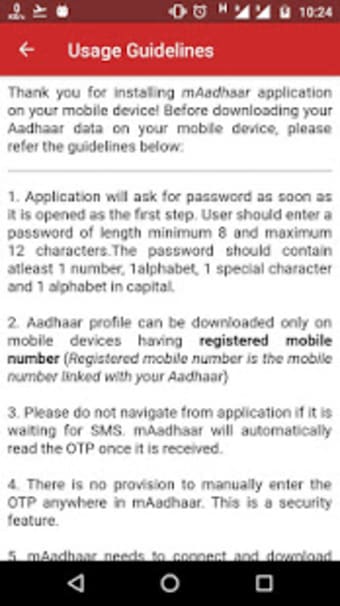
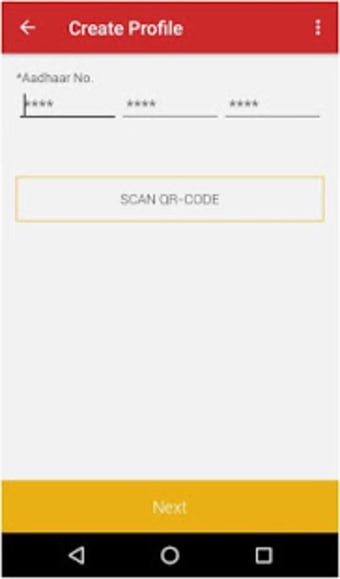
mAadhaar is designed to give users straightforward mobile access to their Aadhaar data. Once they’ve successfully set up their profile, they can then download their Aadhaar, check its status, or update their address right from the app. Whether for personal use or assisting someone else, the app brings key Aadhaar services into one easy-to-navigate dashboard for quick use anytime, anywhere.
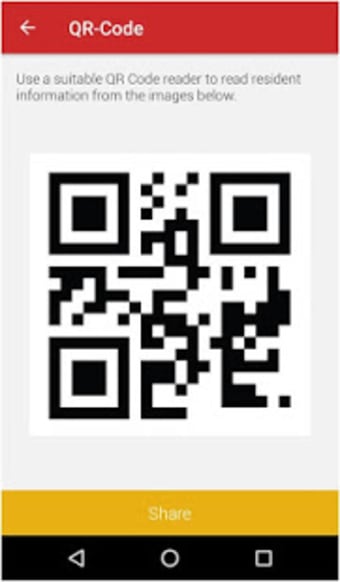
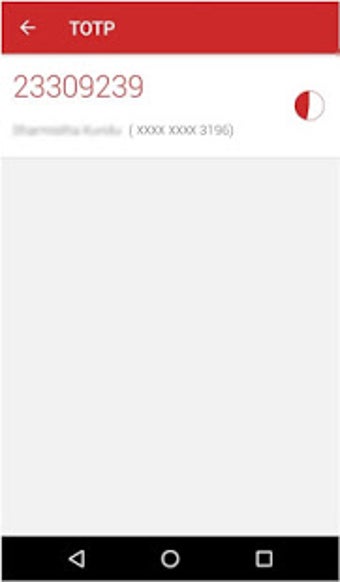
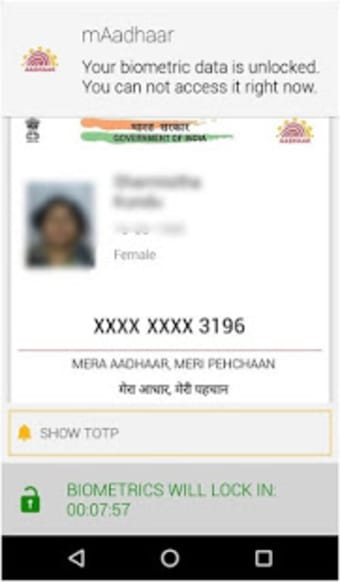
The app supports 13 Indian languages so that users can use it in their preferred language for better understanding. Additionally, it also includes features like offline eKYC downloads, QR code sharing, and verification tools. The “My Aadhaar” section lets users lock or unlock their UID or biometric data. There’s also a TOTP generator that helps when SMS OTP isn’t available—useful in places with poor signal.
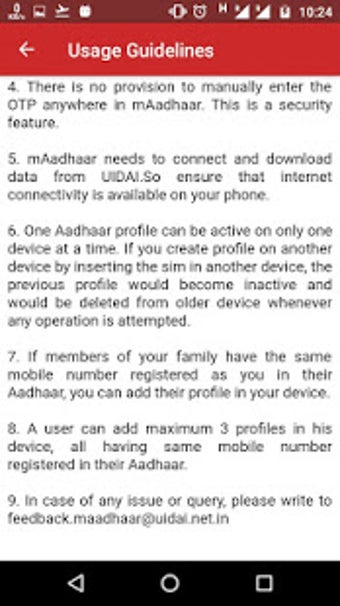
With this tool, users can store up to three profiles linked to the same mobile number, which is helpful for families. What's more, they also get the option to share their eKYC securely without printing anything. While the app is practical and secure, the main limitation is that all text inputs still need to be typed in English, even if the app is set in another language.
Real-world convenience in one app
Overall, mAadhaar serves its purpose as a practical tool for managing Aadhaar-related services on the go. It offers a straightforward experience with essential features like secure data access, multilingual support, and offline options. While it handles basic needs efficiently, certain limitations, such as English-only input fields, may affect accessibility for some users. Still, it remains a useful app for those seeking a mobile-friendly way to handle their Aadhaar tasks.